
Manage Every Outdoor Lighting Project Without Losing Sight Of The Details
Keep track of which crew is handling each installation, what needs to be completed, and what happened on previous visits. Upvoit connects your outdoor lighting jobs, customers, schedules, and billing.
 No contracts
For Teams of 10 to 1,000
Free data migration
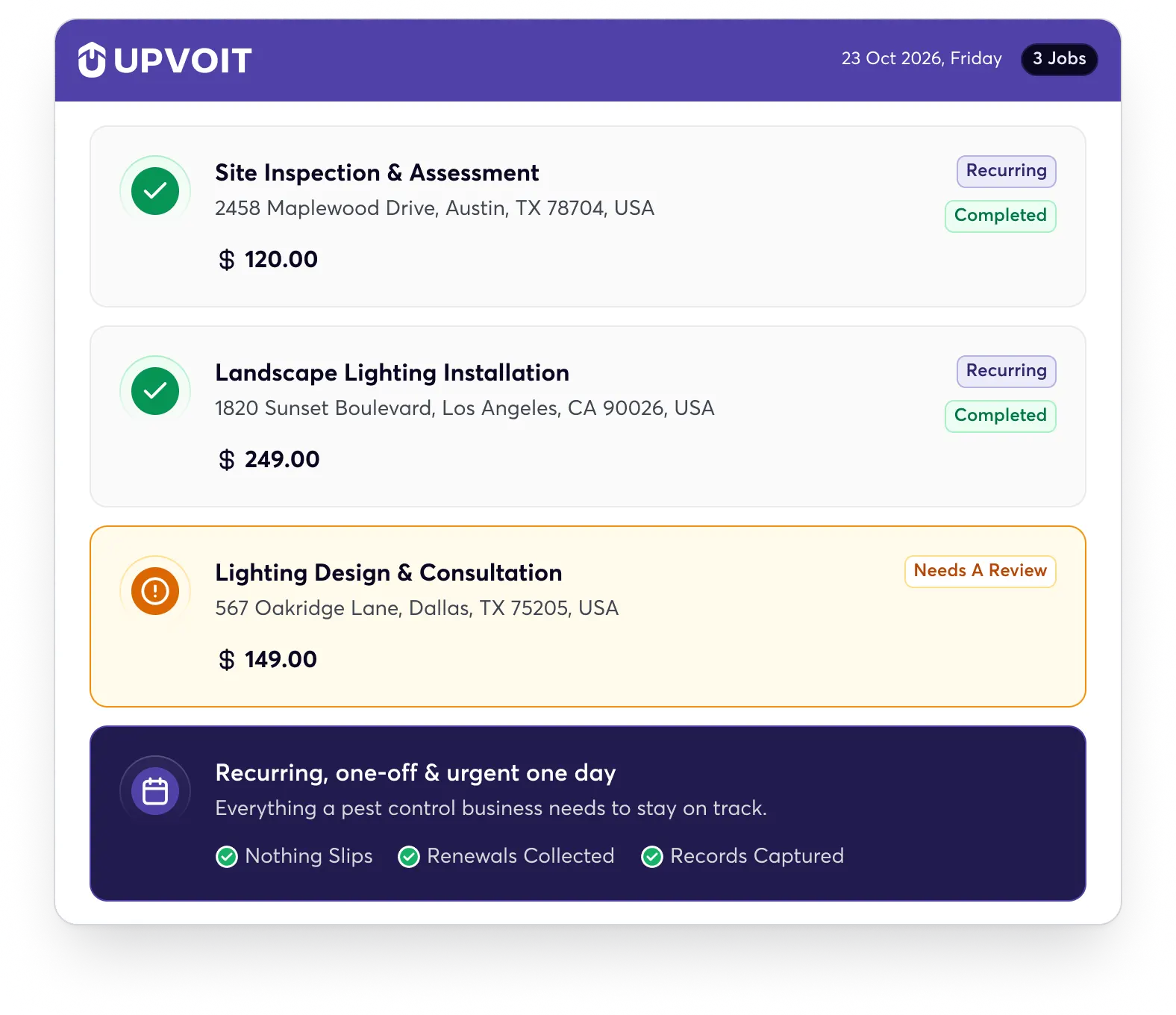
The Daily Challenges Behind Every Landscape Lighting Project

Scheduling Gets Complicated
Coordinating site visits, installations, and service calls gets harder as jobs pile up. A single schedule change can disrupt the whole team’s workday.

Important Job Details Get Lost
Customer details, site instructions, and job notes can get scattered across calls and messages, leaving technicians without the information they need.

Crews Become Harder To Track
With crews working at different properties, knowing where technicians are and how jobs are progressing often takes calls and office follow-ups daily.

Customer Payments Get Delayed
Missing updates or job details can delay invoices and make payment collection harder, even after fieldwork is complete.
Everything Your Outdoor Lighting Crews Need To Keep Work Moving
Give your office and field teams the tools to manage jobs, coordinate schedules, track work, and stay connected throughout every project.
-

Scheduling & Dispatch

Landscape Lighting Scheduling Software
Schedule Jobs And Assign The Right Technicians
Plan installation and maintenance jobs, assign technicians, and manage schedule changes from one place. Keep your office and field teams aligned as new jobs come in.
Scheduling & Dispatch -
Work Orders & Job Management
Landscape Lighting Work Order Software
Keep Every Project Detail Within Reach
Keep job requirements, customer details, and work updates organised. Your office can follow progress while technicians know what needs to be completed.
Work Orders & Job Management -
GPS Tracking & Technician Management
Landscape Lighting Crew Management
Keep Track Of Your Technicians In The Field
Get visibility into technician locations with GPS tracking. See where your team is during the workday and coordinate jobs with better awareness of field activity.
Tighter routes, more stops per crew -
Estimating & Proposals
Landscape Lighting Estimating Software
Turn Customer Enquiries Into Clear Estimates
Prepare estimates for new installation and service requests, organise pricing details, and share proposals with customers. Keep track of estimates as they move towards approval.
Estimates & Quotations -
Checklists & Photo Proof
Lighting Checklists & Photo Proof
Document Completed Work With Photos And Forms
Capture site updates, customer requirements, and completed work with photos and digital forms. Give your office a clearer record of what happened at each property.
Photos, Forms & Checklists -
Invoicing & Payments
Landscape Lighting Invoicing Software
Simplify Invoicing For Every Project
Once a job is complete, your team can move towards invoicing without searching through separate records for customer and job information.
Invoicing & Payments -
Mobile & Clock-In
Landscape Lighting Mobile App
Keep Your Team Connected Beyond The Office
Your team can access job information, submit updates, and record work hours while on the move. Manage timesheets and payroll with better visibility into team activity.
Mobile App & Payroll -
Reporting & Performance Tracking
Landscaping Lighting Performance Tracking & Reporting
Get A Clearer View Of Your Business Performance
Bring key business information into reports that help you review performance, monitor operations, and identify areas that need attention.
Reporting & Performance Tracking


Set Up Your Operations Around The Way Your Team Works
Upvoit is configured around the way your landscape lighting business works, from installation estimates and maintenance visits to service calls, job updates, and project billing. Keep job details organised, capture extra work from the field, and give your technicians the information they need before they arrive.
With founder-led onboarding, we tailor Upvoit to your workflows, processes, and team from day one. We also help move your existing business data and get your team comfortable with the system.

Your service plans & cadences
Set the intervals your plans run on and let the recurring visits generate themselves.

Custom treatment forms & checklists
Build the treatment records and inspection forms your service and your accounts need.

Founder-led onboarding & free migration
We move your existing clients, properties, and routes over and set it up with you, at no extra cost.

Recurring plan cadences
Treatment & inspection forms

Route order & dispatch rules

Geofenced clock-in rule

Existing clients & properties

Bring Your Business Tools Into One Connected Workflow
Keep important business information flowing between the tools you use every day. Upvoit connects with daily apps like QuickBooks, Xero, Stripe, and Make to help your operations work together.
What Landscape Lighting & Outdoor Service Teams Say

“Before Upvoit, keeping track of installations and maintenance visits was becoming difficult. Job details were spread across messages, and I was constantly checking with the team for updates. Now, we can see scheduled work, assign technicians, and keep everything organised without so much back and forth.”
Daniel F.
Owner
“Every lighting project has different requirements. Some customers need pathway lighting, others want architectural or garden lighting. Having all the job details and customer instructions organised makes a big difference. Our technicians know what they need to do before they reach the property.”
Michael B.
Operations Manager
“We used to spend too much time coordinating installation schedules and checking whether jobs were completed. Upvoit gives us a much clearer picture of what’s happening in the field. I can check job progress and follow up on pending work without calling everyone.”
Andrew M.
Owner
“Maintenance work was always harder to organise than we expected. We had regular customers, new service requests, and installation projects happening at the same time. Upvoit has helped us keep those jobs organised and manage our team’s workload more easily.”
Steve M.
Director
“One thing I appreciate is having job information, technician updates, and customer records connected. When a customer requests an additional fixture or changes something during installation, we can keep those details documented instead of relying on someone to remember them later.”
Mitchell S.
Owner
“Managing the field team and keeping billing up to date used to take more time than it should. Now, we can track assigned jobs, record work updates, and move completed jobs towards invoicing much more smoothly. It has made our daily operations easier to manage.”
Kevin B.
Operations Director
Answers before you choose.
Frequently Asked Questions About Landscape Lighting Software
-
What is landscape lighting business software?
Landscape lighting business software helps you manage installation jobs, maintenance visits, service calls, schedules, estimates, customer information, work orders, and billing in one place.
-
How does landscape lighting scheduling software help?
With a clear view of your crews, jobs, and schedules, you can assign work more efficiently, handle schedule changes faster, and avoid spending the day calling around to find out who’s available.
-
Can Upvoit manage recurring landscape lighting services?
Absolutely. You can manage recurring maintenance visits, lighting inspections, repairs, and other scheduled services while keeping job details and customer information organised for future visits.
-
Can Upvoit help coordinate landscape lighting installation jobs?
Upvoit makes it easier to organise installation jobs by schedule, location, and technician availability. Assign work to the right team and keep track of upcoming jobs without relying on scattered spreadsheets and calls.
-
Can technicians access customer and job history?
Your technicians can access important customer details, previous job information, notes, photos, and other work-related records before arriving at a property, so they know what needs attention.
-
Can Upvoit manage landscape lighting estimates and quotes?
Of course. Create estimates for new lighting installations, maintenance, repairs, and other outdoor lighting work, then keep each estimate connected to the customer and job.
-
Does Upvoit have a mobile app for landscape lighting crews?
Your technicians can use Upvoit’s mobile experience to view assigned jobs, access customer information, update work, capture photos and notes, complete forms, and keep the office updated.
-
Does Upvoit include landscape lighting invoicing software?
Upvoit includes invoicing tools that help you manage billing alongside job details and customer records. Once installation or service work is completed, your office can move towards billing without rebuilding the job information from scratch.
-
Can I manage multiple landscape lighting crews with Upvoit?
Of course! Assign jobs to different technicians, manage schedules, and use GPS tracking to get visibility into your field team’s locations. Keep your office informed while multiple crews work across different properties.
-
Can I customize Upvoit for my landscape lighting business?
Absolutely. Configure your workflows, forms, job types, job stages, custom fields, and team permissions around how your landscape lighting business operates. Custom development is also available when you need something beyond the standard setup.
-
How long does it take to set up landscape lighting software?
Most businesses can get started within five to seven days. Founder-led onboarding helps configure the system, move your existing data, and get your team comfortable before you go live.
-
What kind of support do I get with Upvoit?
You’ll have access to real-person support, including founder-led support. Whether you need help with setup, workflows, customization, or everyday use, you can speak with someone who understands your system.
-
Can I move my existing landscape lighting customer data to Upvoit?
Switching doesn’t mean starting from scratch. Upvoit offers free data migration and helps move your existing customer information and other important business data into the system.
-
How much does landscape lighting business software cost?
Upvoit costs $18 per user per month when billed annually, or $20 per user per month when billed month-to-month. There’s no long-term contract, and free data migration is included.

