
One Platform. Every Feature Your Field Team Will Ever Need.
Designed to simplify scheduling, boost productivity, and improve communication for service teams.
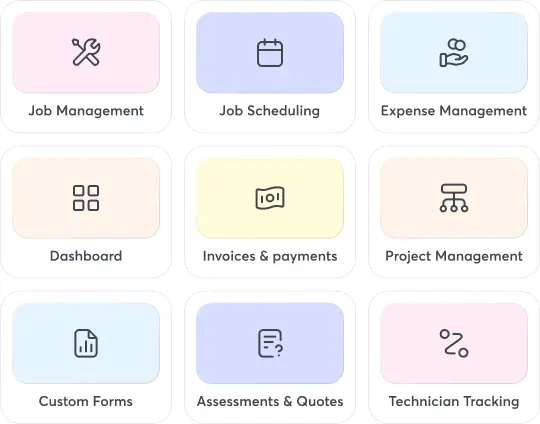
Explore the real benefits behind every feature built for modern field service teams
Optimize Schedules
Reduce double-bookings and boost field efficiency.
Improve Productivity
Streamline workflows and complete more jobs daily.
Enhance Visibility
Track progress and team performance in real-time.
Boost Profitability
Eliminate waste, manual errors, and unnecessary costs.
Reduce Errors
Automate data entry and ensure consistent accuracy.
Speed Dispatching
Assign nearest technicians quickly for urgent jobs.
Simplify Payments
Track client invoices, reminders, and clear dues.
Build Trust
Keep clients updated through transparent status communication.
Give your field teams the tools they need to perform faster and smarter.
-
Job Scheduling
Learn MoreSimplify job assignments with automated scheduling, live updates, and optimized resource allocation for seamless field service operations.
-
Technician Tracking
Learn MoreTrack technician location, job progress, and time in real-time to improve accountability, optimize schedules, and enhance overall productivity.
-
Work Order Management
Learn MoreCreate, assign, and monitor work orders effortlessly while improving team coordination, reducing paperwork, and ensuring on-time job completion.
-
Job Management
Learn MoreManage every job from start to finish with complete visibility, automated updates, and streamlined workflows for effortless service delivery.
-
Timesheet & Payroll
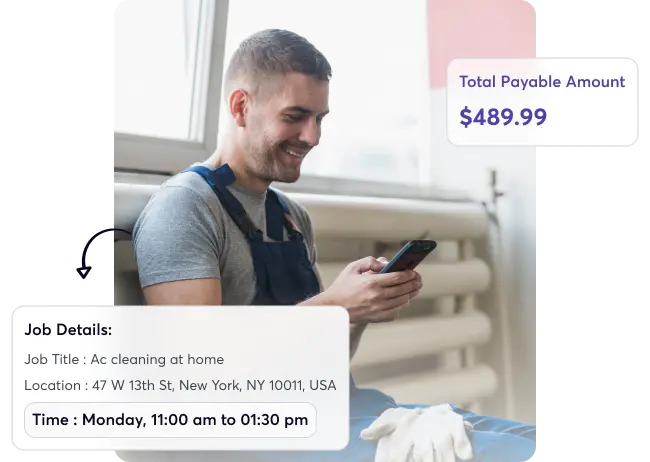
Learn MoreGain full visibility into employee work hours, overtime, and productivity to streamline payroll management and control overall labor costs.
-
Invoice & Quotation
Learn MoreCreate accurate invoices and professional quotations instantly, automate billing workflows, and reduce payment delays with built-in accounting integrations.
-
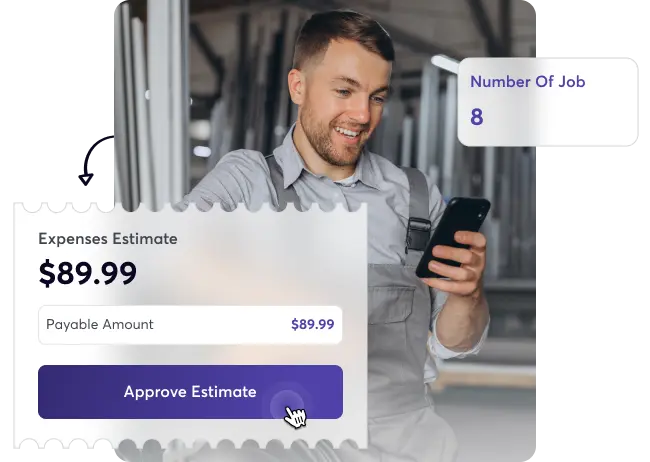
Expense Management
Learn MoreSimplify expense tracking and cost approvals across teams to control spending, boost profitability, and ensure transparent project finances.
-
Dashboard & Reporting
Learn MoreGain instant insights through dynamic dashboards and analytics that simplify performance tracking, operational visibility, and data-driven decision-making.
-
Client Portal
Learn MoreGive clients secure access to view job progress, download invoices, approve quotes, and track updates in real time.
-
Project Management
Learn MorePlan, track, and manage complex field projects efficiently with task scheduling, team collaboration, and progress monitoring in real-time.
-
Lead Management
Learn MoreManage inquiries, assign leads automatically, and follow up faster to convert prospects into paying customers effortlessly and consistently.
-
Custom Forms
Learn MoreCreate digital forms and inspection checklists tailored to your workflow, ensuring accuracy, consistency, and compliance across all jobs.
-
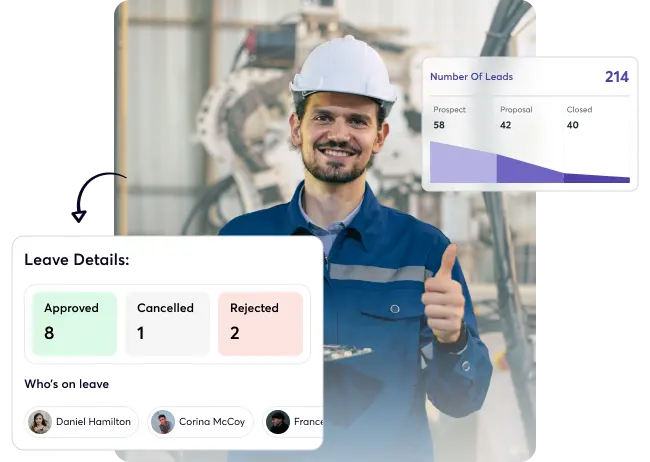
Leave Management
Learn MoreHandle technician absences, holidays, and approvals digitally while maintaining complete visibility into workforce capacity and project scheduling needs.
Frequently asked questions
Answers to your most common questions about Upvoit’s advanced service features.
-
What if my business uses a different process than other industries?
No problem. Every business runs differently, that’s why Upvoit lets you configure job stages, approval flows, and reporting fields that reflect your unique operations, whether you’re in roofing, HVAC, or pest control.
-
Can I request a new feature if it’s not available?
Yes. Our product team regularly adds new features based on user feedback. If you have a feature in mind, you can submit a request directly through your dashboard, we listen closely to every suggestion.
-
Can I create my own forms, reports, or checklists?
Definitely. Upvoit’s Custom Forms & Checklists feature lets you design inspection templates, safety forms, or quality control reports specific to your industry needs.
-
Can I control what my technicians and managers can see?
Yes. Through Role-Based Access Control, you can define permissions for each role, giving every team member access to only what they need.
-
Can Upvoit scale as my business grows?
Absolutely. Whether you have 3 technicians or 300, Upvoit scales effortlessly. You can add new users, locations, or service types anytime without disruption
-
Does Upvoit support multiple locations or business units?
Yes. You can manage multiple branches or locations within one system, each with separate teams, dashboards, and reports.
-
How do I know if Upvoit fits my industry’s requirements?
Book a short demo, we’ll personalize it to your business type and show how Upvoit’s features can be tailored exactly for you.
-
Can you build an entirely new feature if I need one?
Absolutely. If your business has a specific requirement, our development team can build custom modules or add-ons exclusively for you.
-
Is there an extra cost for customized builds?
Yes, but it’s flexible. Basic configuration is included in your plan, while deeper custom features are priced based on complexity.
-
Can I integrate my existing systems with Upvoit?
Yes! We can integrate CRMs, ERPs, accounting software, or proprietary tools through secure APIs for seamless data flow across your systems.
-
Can you make Upvoit specific to my industry’s standards?
Definitely. We’ve customized Upvoit for industries like roofing, HVAC, pest control, and oil & gas, each with specialized workflows and reporting.

