
Locksmith software designed to streamline your daily operations
Work faster with scheduling, quoting, invoicing, and customer management built for locksmith professionals.
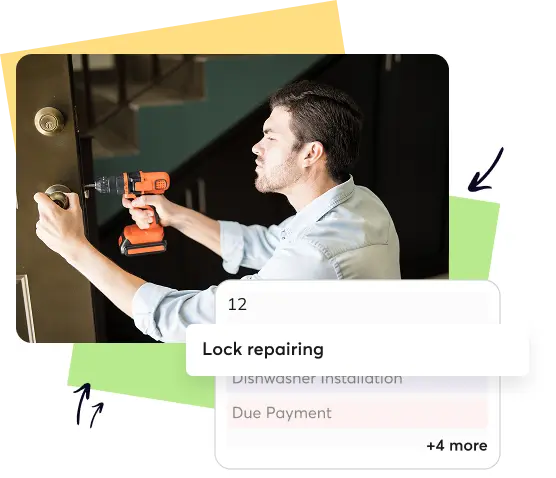
Why Locksmith Businesses Rely On Better Service Management Software
Emergency Demands
Locksmith software helps manage urgent calls, assign technicians quickly, and reduce customer wait times.
Missed Opportunities
Clear tracking ensures every lead, quote, and follow-up stays visible and never forgotten again.
Payment Flow
Automated invoicing reduces billing delays, improves payment speed, and strengthens overall cash flow reliability.
Customization Needs
Customizable fields and workflows ensure the software fits your locksmith operation’s exact requirements.
Locksmith software built for fast response and reliable service delivery
Win more calls, service customers faster and get paid quicker with software built for locksmith teams.

-

Scheduling & Dispatch
-
Route Optimization
-
Job Checklists
-
Billing/Payroll
-
Mobile App
-
Reporting & Analytics


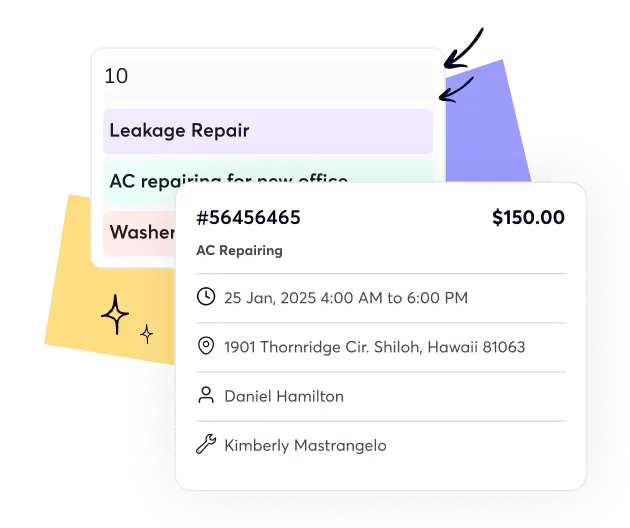


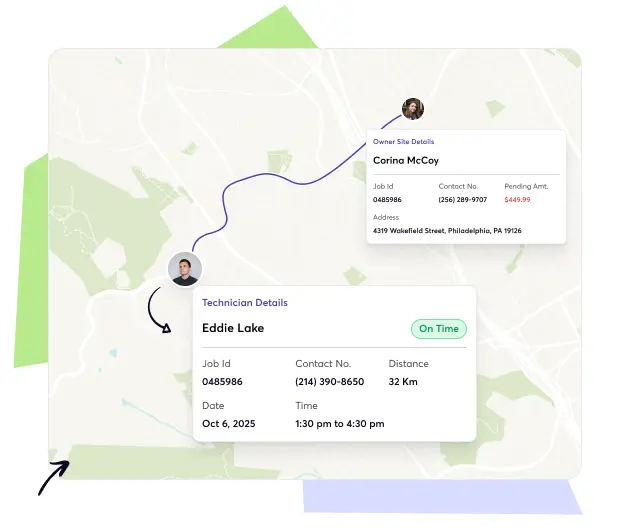


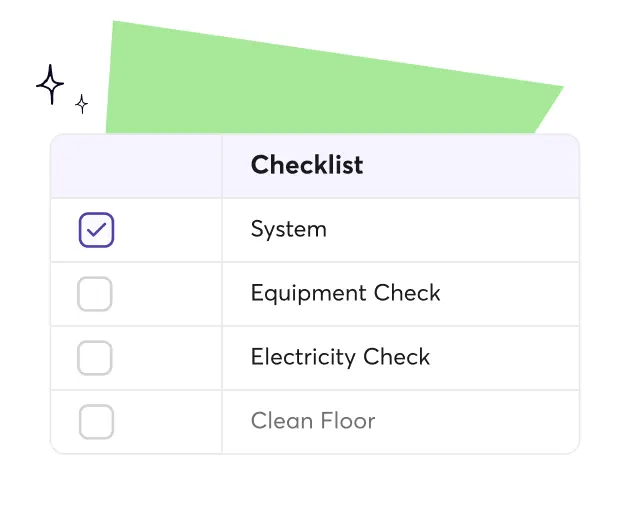


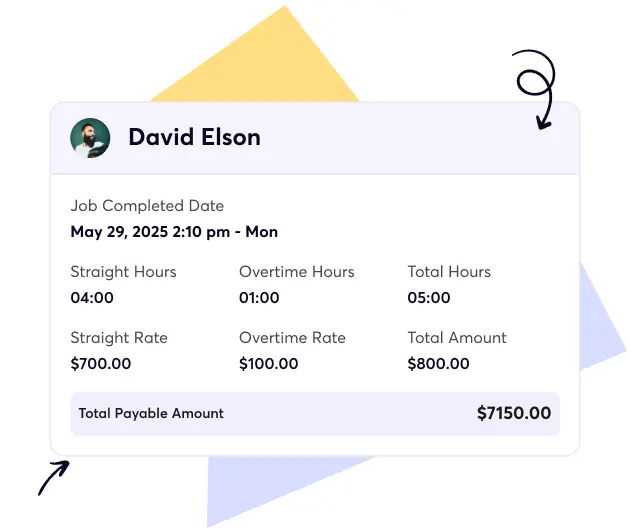


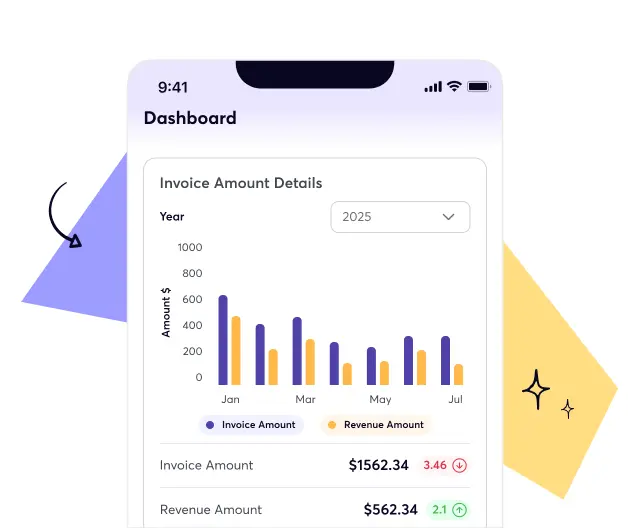


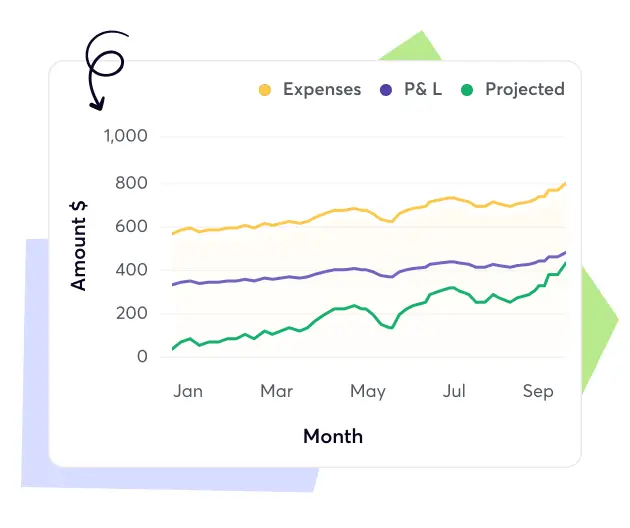
Integrate core tools and keep your locksmith operations connected
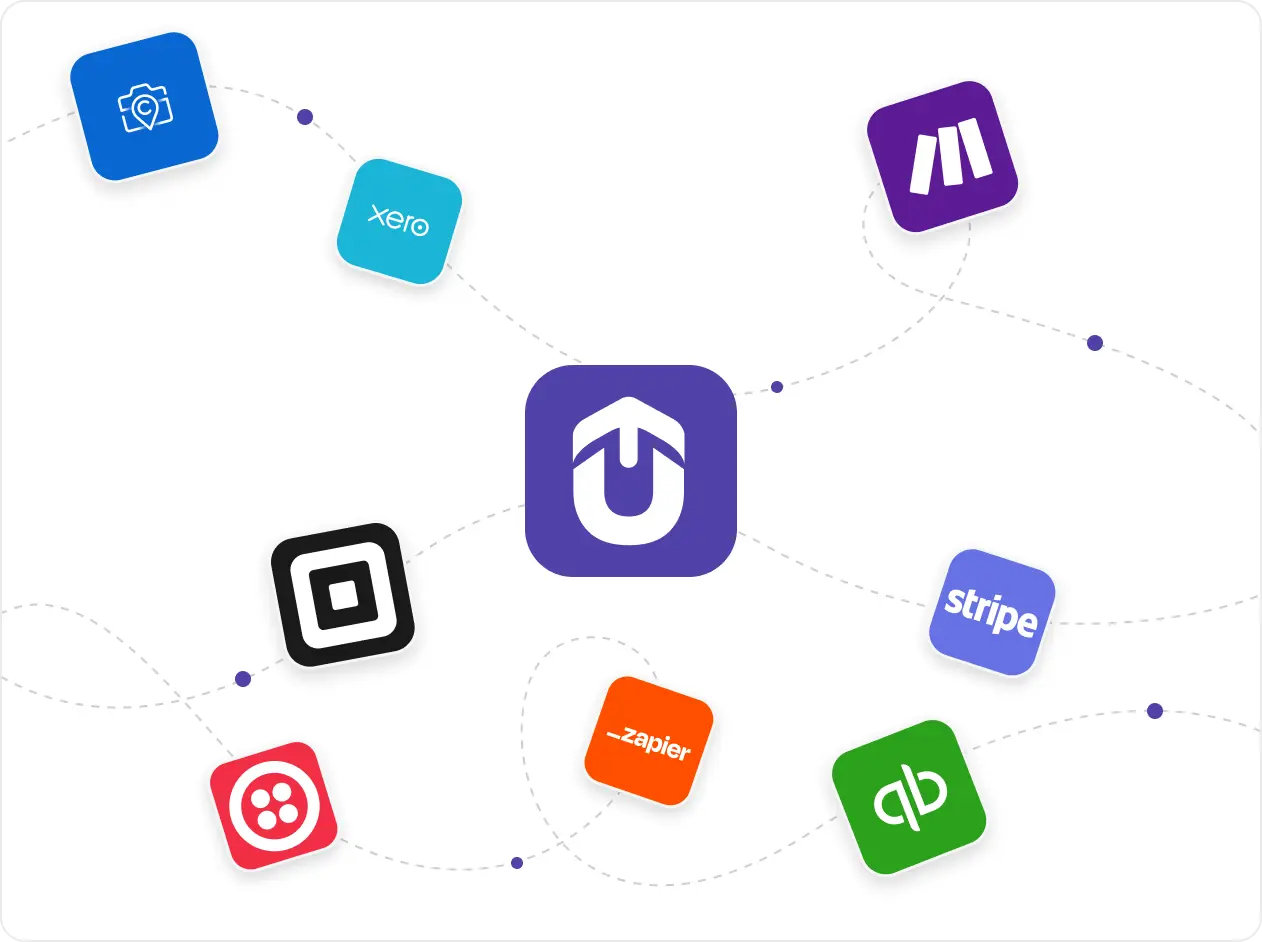
Upvoit works seamlessly with QuickBooks, Xero, Stripe, Make and additional tools. Data synchronizes reliably so billing becomes faster and reporting remains consistent. Your team experiences smoother days because every system stays aligned and supports clearer operational decisions daily.
“We were growing fast, but managing schedules and payments was getting out of hand. Clients would change timings, staff would forget updates, and it was hard to keep track. Upvoit made everything so much easier. The team checks in from their phones, I see updates live, and invoices go out the same day. It’s honestly the first system that didn’t make my job harder.”
“Keeping track of electricians on multiple sites used to drive me crazy. Someone was always late, someone forgot to log a job, and I’d spend half my day chasing updates. Upvoit changed that completely. Now I can see who’s on which site and what’s done in real time. We finish jobs faster and I don’t have to make constant follow-up calls anymore.”
“We had zero clarity on which projects were profitable. Crew hours, fuel, invoices, all scattered. Upvoit finally connected everything. Now I can see live project costs and team efficiency from my phone. We’ve saved over 12 hours a week and caught errors we didn’t even know existed.”
“We were running on whiteboards, WhatsApp, and memory. If one call got missed, the entire day fell apart. With Upvoit, dispatch takes two minutes. Invoices go out the same day. I used to work 14-hour days, now I’m home by dinner.”
Our biggest pain was communication. Jobs delayed, invoices sitting unsent, and customers asking for updates we didn’t have. Upvoit gave us visibility on every technician, every ticket, every dollar owed. We’re collecting payments 3x faster and finally stopped chasing paper.”
We were juggling five different tools just to track daily jobs. Things slipped through the cracks, missed call-backs, unpaid invoices, you name it. After switching to Upvoit, our entire team runs from one screen. Techs update jobs from the field, customers get notified instantly, and we haven’t missed a single appointment in months.”
“Before Upvoit, every week was a mess. Jobs overlapped, crews got mixed up, and I was stuck calling people all day just to see where everyone was. Now everything updates on its own. I can check my phone and know exactly who’s doing what. We don’t double-book anymore and the stress is just gone.”
Frequently asked questions
Useful answers for locksmith businesses curious about upgrading daily operational workflows.
-
What is locksmith business software?
Locksmith business software helps you manage scheduling, dispatching, quoting, invoicing, customer details and job tracking in one place. It removes manual paperwork and gives locksmith teams an organized system for daily operations.
-
What is locksmith software used for?
Locksmith software is used to book jobs, send quotes, collect payments, track technicians and manage customer history. It keeps everything connected so your business runs smoothly from the first call to the final invoice.
-
What features should I look for in locksmith software?
Look for scheduling, dispatching, quoting, invoicing, customer history, route optimization, a mobile app and integrations with accounting tools. These features help locksmith teams work faster and keep customers well informed.
-
What is the best management software for locksmiths?
The best software is one that simplifies quoting, scheduling, communication and payments in a single platform. It should be easy to learn, reliable for mobile technicians and flexible enough to grow with your business.
-
Can I send locksmith service quotes through your software?
Yes. You can create and send accurate, professional quotes within minutes. Customers can review and approve them digitally which helps you close jobs faster.
-
Does your locksmith software include a mobile app for technicians?
Yes. The mobile app gives technicians job details, notes, photos, checklists, maps and customer information. It keeps the office and field connected throughout the day.
-
Does your locksmith software integrate with QuickBooks and other apps?
Yes. You can connect your preferred apps for accounting, payments and automation. Syncing keeps your invoices, reports and payment records accurate across every system.
-
Is there a free trial available?
Yes. You can explore the software, test features and see how it fits your locksmith workflow before committing.
-
How easy is the software to use for non-tech-savvy locksmiths?
The interface is simple and clear with straightforward navigation. Technicians and office staff can learn it quickly without needing technical experience.
-
Can the software manage both residential and commercial locksmith jobs?
Yes. You can manage lockouts, rekeys, installations, access control requests and commercial contracts in one system. Everything stays organized and easy to track.
-
Can the software handle emergency and same-day locksmith service calls?
Yes. You can assign urgent jobs instantly, update technicians in real time and keep customers informed with accurate arrival times.
-
Does the software include technician tracking or GPS routing?
Yes. You can track technician locations, optimize routes and reduce travel time between locksmith jobs.
-
How much does locksmith software cost?
Pricing is simple. It is charged per person per month and includes every feature. There are no modules, add-ons or hidden fees so your entire team can use everything.
-
How does locksmith service management software help my business grow?
It reduces admin work, shortens response times, improves customer communication and makes payment collection easier. With smoother operations you can take on more jobs without adding extra overhead.
-
Can I customize the software to match my locksmith workflows?
Yes. You can customize fields, workflows, job types and checklists. If you need deeper customization you can share your requirements and we will help set it up.

