
Project Management Software Built for Field Service Teams on the Move
Empower your field teams to manage tasks, deadlines, and reporting in one connected dashboard.
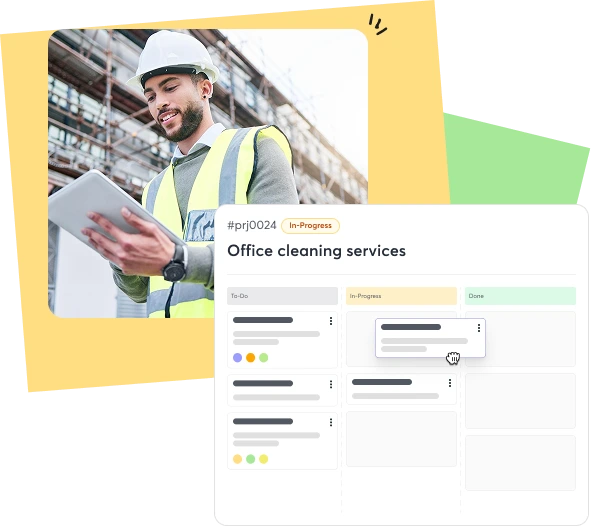
The struggle of tracking field projects across tools that never sync
Missed Deadlines
Without proper project tracking tools, field teams lose focus, causing avoidable delays and unhappy customers.
Scattered Updates
Project details spread across emails, calls, and notes make monitoring progress slow and inconsistent.
Resource Mismanagement
Without visibility into ongoing jobs, managers assign technicians inefficiently, increasing overtime and project costs.
Reduced Profitability
Inefficient field service project management directly impacts time, resources, and revenue margins.
Project Management Designed for Every Service Industry

Plumbing

Cleaning

HVAC

Lawn Care

Pool Maintenance

Handyman

Tree Care

Roofing

Landscape

Electrical
Modern Project Management That Keeps Field Teams in Sync
Simplify task management and improve delivery timelines through connected, easy-to-use project tracking tools.

-

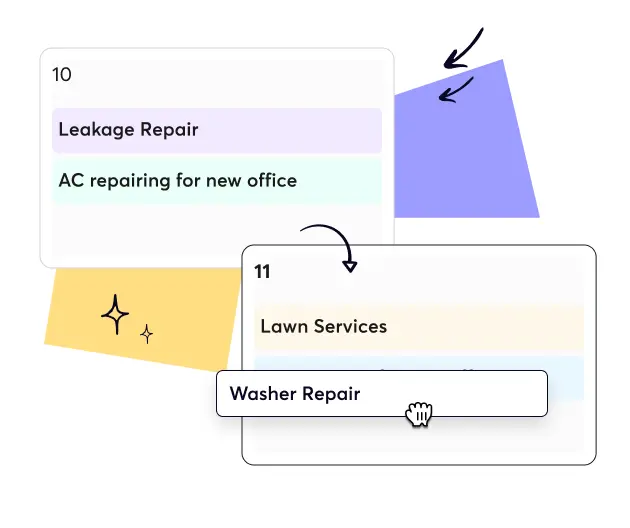
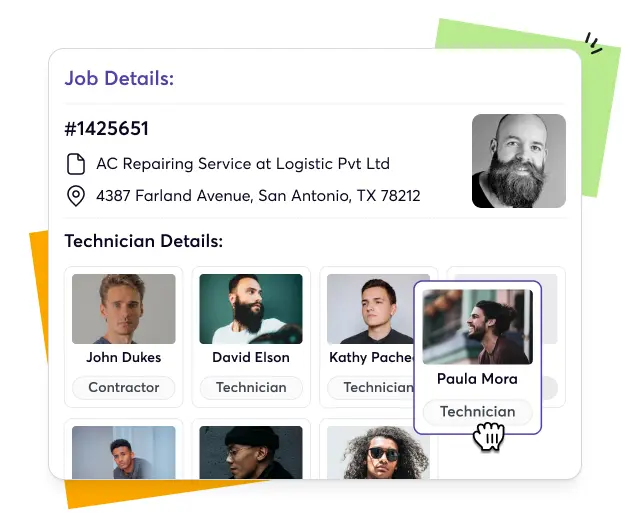
Drag & Drop Scheduling
-
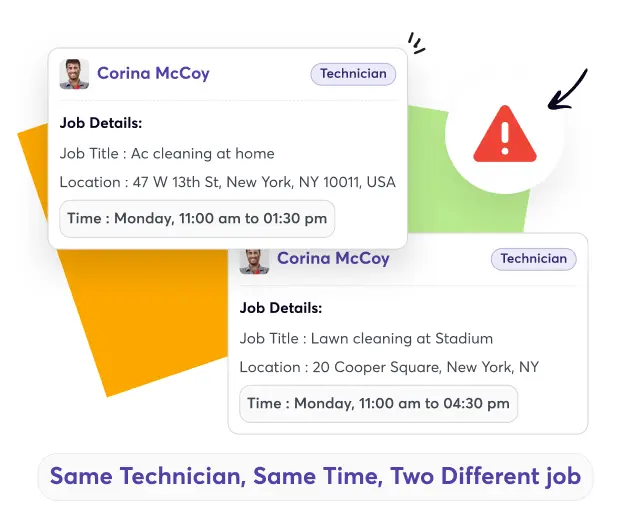
Conflict Alerts
-
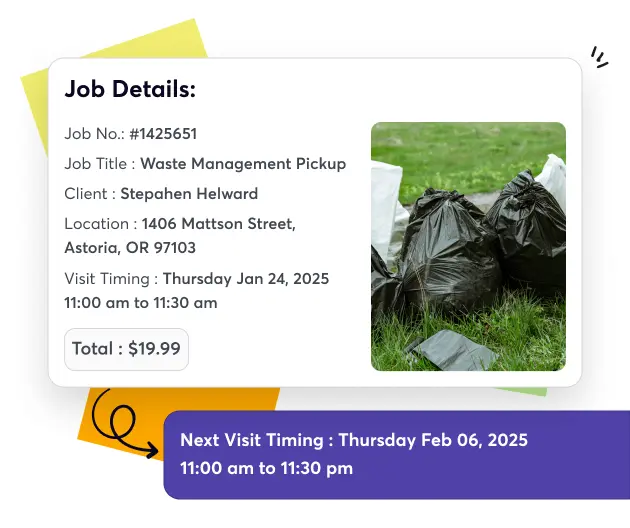
Recurring Jobs
-
Smart Assignments
-
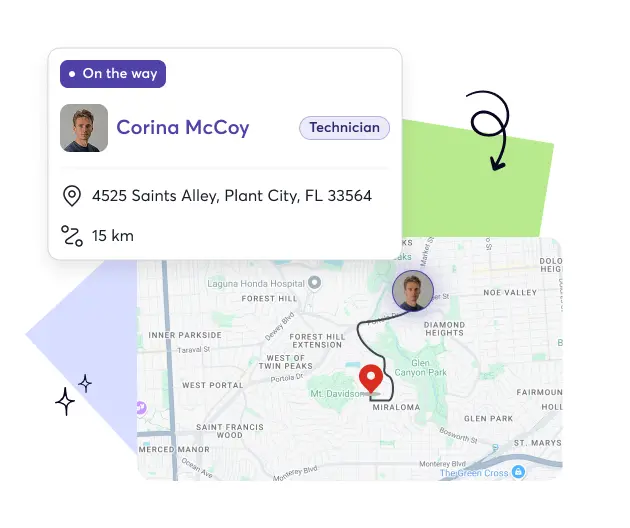
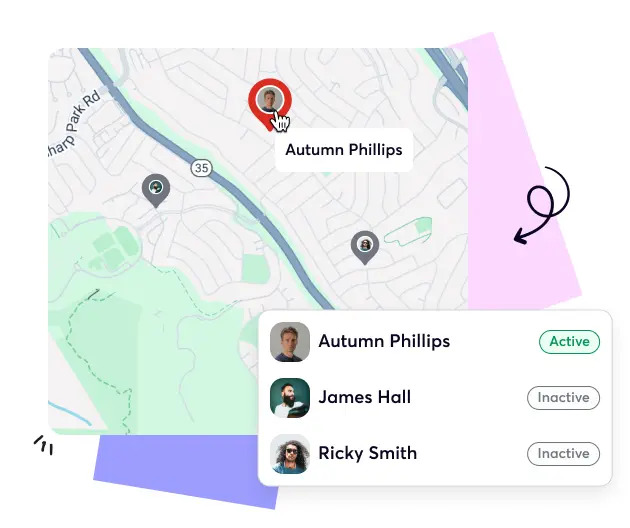
Real-Time Updates
-
Calendar & Map View












See How Smart Project Tracking Feels


What Organized Projects Mean for Your Business

Gain Control
Manage every project phase, from planning to delivery, without losing visibility.

Boost Productivity
Assign tasks, track progress, and reduce downtime across multiple service projects.

Increase Accountability
Track technician progress, missed milestones, and completed jobs in real time.

Reduce Delays
Identify issues early with real-time project updates and timeline monitoring tools.
Seamless Integrations That Keep Projects Moving Smoothly
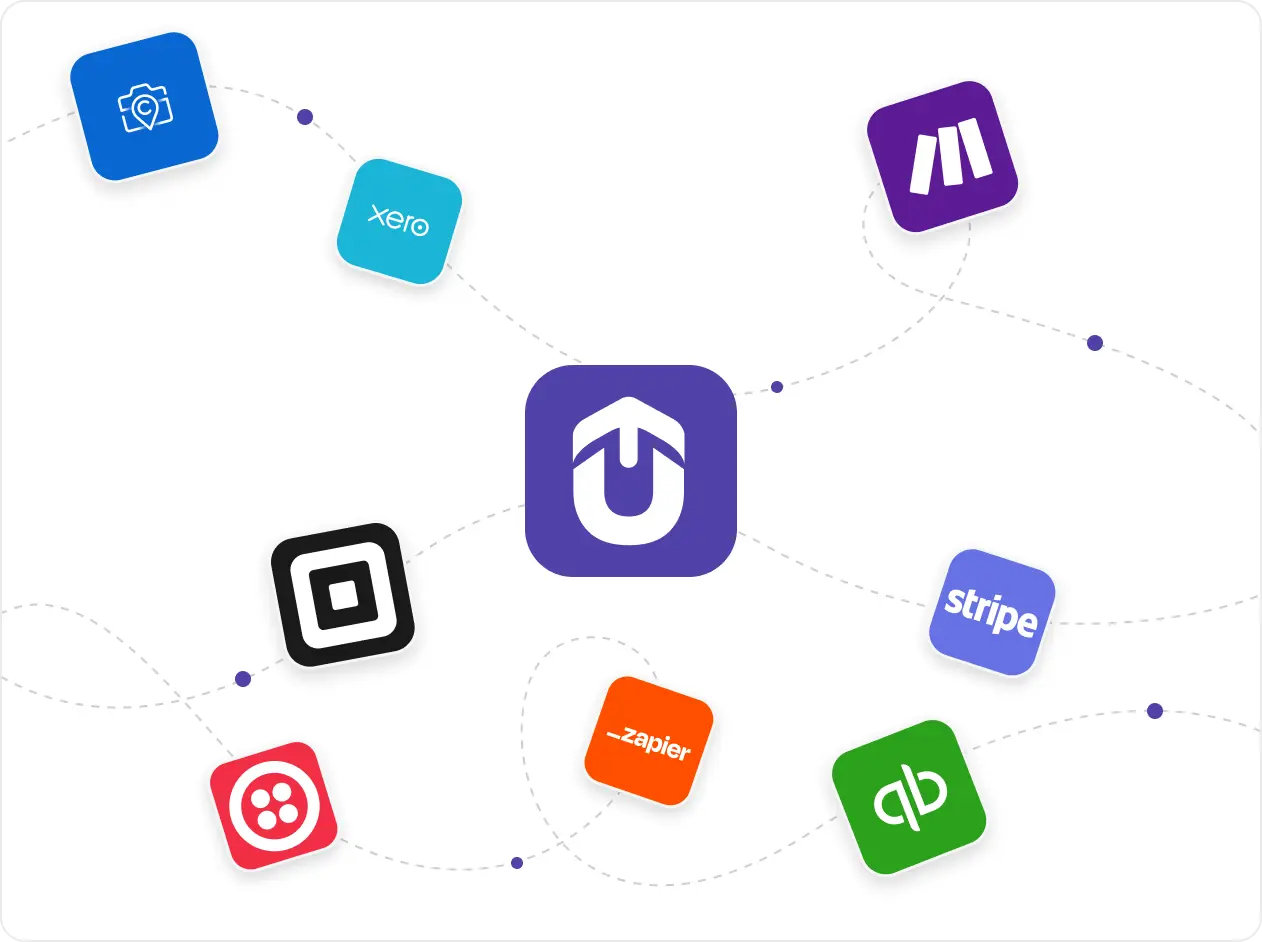
Upvoit connects your entire business with tools like QuickBooks, Xero, Stripe, Zapier and many more. Every invoice, job, and record syncs automatically. It reduces manual work, improves accuracy, and keeps financial and operational data completely aligned.
“We were growing fast, but managing schedules and payments was getting out of hand. Clients would change timings, staff would forget updates, and it was hard to keep track. Upvoit made everything so much easier. The team checks in from their phones, I see updates live, and invoices go out the same day. It’s honestly the first system that didn’t make my job harder.”
“Keeping track of electricians on multiple sites used to drive me crazy. Someone was always late, someone forgot to log a job, and I’d spend half my day chasing updates. Upvoit changed that completely. Now I can see who’s on which site and what’s done in real time. We finish jobs faster and I don’t have to make constant follow-up calls anymore.”
“We had zero clarity on which projects were profitable. Crew hours, fuel, invoices, all scattered. Upvoit finally connected everything. Now I can see live project costs and team efficiency from my phone. We’ve saved over 12 hours a week and caught errors we didn’t even know existed.”
“We were running on whiteboards, WhatsApp, and memory. If one call got missed, the entire day fell apart. With Upvoit, dispatch takes two minutes. Invoices go out the same day. I used to work 14-hour days, now I’m home by dinner.”
Our biggest pain was communication. Jobs delayed, invoices sitting unsent, and customers asking for updates we didn’t have. Upvoit gave us visibility on every technician, every ticket, every dollar owed. We’re collecting payments 3x faster and finally stopped chasing paper.”
We were juggling five different tools just to track daily jobs. Things slipped through the cracks, missed call-backs, unpaid invoices, you name it. After switching to Upvoit, our entire team runs from one screen. Techs update jobs from the field, customers get notified instantly, and we haven’t missed a single appointment in months.”
“Before Upvoit, every week was a mess. Jobs overlapped, crews got mixed up, and I was stuck calling people all day just to see where everyone was. Now everything updates on its own. I can check my phone and know exactly who’s doing what. We don’t double-book anymore and the stress is just gone.”
Frequently asked questions
Common questions field teams ask about project tracking and coordination tools.
-
What is the Project Management feature in Upvoit?
Upvoit’s Project Management feature helps field service businesses plan, track, and complete projects on time. It centralizes communication, task assignments, and updates so teams can stay aligned and productive.
-
How does Upvoit help with project tracking?
Upvoit provides a real-time project tracking dashboard where you can monitor progress, deadlines, and team performance without juggling multiple tools.
-
Can I assign tasks to different technicians within a project?
Yes. You can create tasks, assign them to specific technicians, and track completion directly within Upvoit.
-
Does Upvoit support multiple projects running at once?
Absolutely. Manage several projects simultaneously, each with its own team, timeline, and resource allocation, all in one place.
-
Can I view project progress in real time?
Yes. Upvoit updates automatically as tasks are completed, giving you an accurate view of every project’s status.
-
Does the project management feature integrate with scheduling and invoicing?
Yes. Every project links directly to job scheduling, invoicing, and reporting modules for a seamless, connected workflow.
-
Can I generate project reports in Upvoit?
Yes. You can create detailed project reports, track KPIs, and export data for review or analysis.
-
Is the project management feature suitable for all service industries?
Yes. Whether you manage electrical, HVAC, plumbing, or maintenance jobs, Upvoit adapts to your workflow easily.
-
Can technicians access project details on mobile devices?
Of course. Field technicians can view assigned tasks, timelines, and updates directly through the Upvoit mobile app.
-
How does Upvoit improve team collaboration on projects?
All communication, files, and updates are stored in one shared workspace, so everyone stays on the same page.
-
Can I link projects to client profiles?
Yes. Each project automatically connects with client data, allowing you to view related jobs, invoices, and communication history.

