
Track, Approve, and Control Costs With Expense Management Software
Reduce manual tracking, improve accuracy, and speed up reimbursements using smart expense management software.

What happens when your team manages expenses without a proper tool
Lost Receipts
Receipts get misplaced, leaving finance teams struggling to track accurate records and verify legitimate business expenses.
Limited Visibility
Leaders lack real-time insight into company spending, making it difficult to control costs and budgets effectively.
Manual Errors
Spreadsheet-based tracking leads to duplicated entries, missed reimbursements, and inaccurate expense data across multiple teams.
Budget Confusion
Uncategorized expenses make it impossible to monitor spending trends or identify areas of overspending quickly.
Expense Management Software Designed for Every Industry

Plumbing

Cleaning

HVAC

Lawn Care

Pool Maintenance

Handyman

Tree Care

Roofing

Landscape

Electrical
Expense Tracking Made Effortless, Accurate, and Organized
Improve accuracy, visibility, and speed across every reimbursement process with modern expense management software.

-

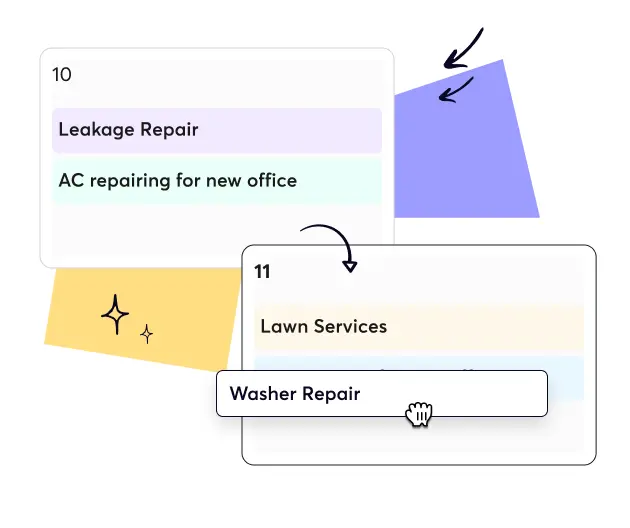
Drag & Drop Scheduling
-
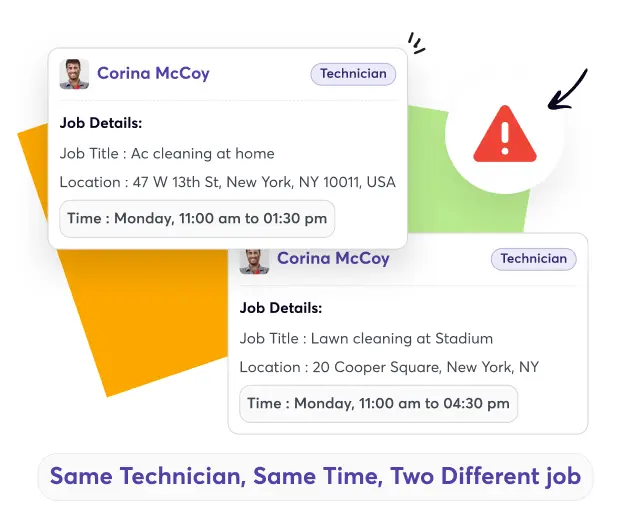
Conflict Alerts
-
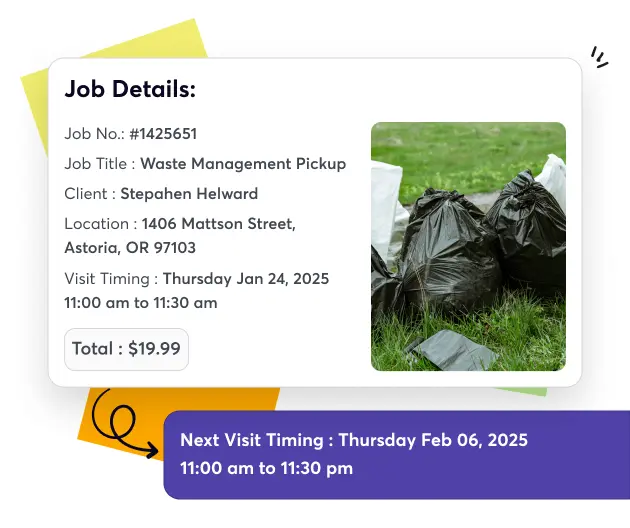
Recurring Jobs
-
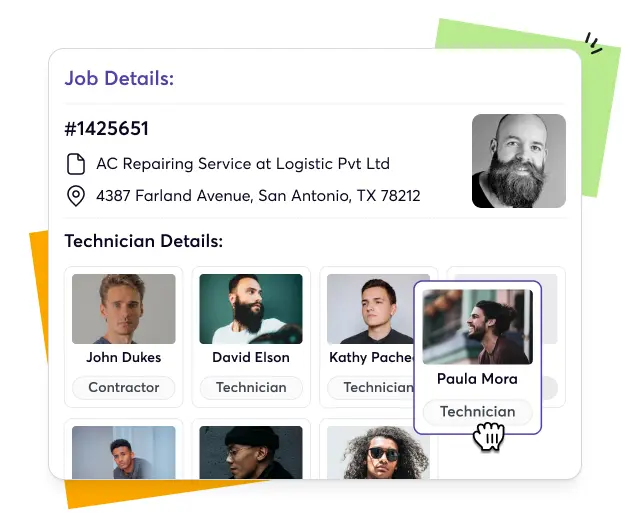
Smart Assignments
-
Real-Time Updates
-
Calendar & Map View










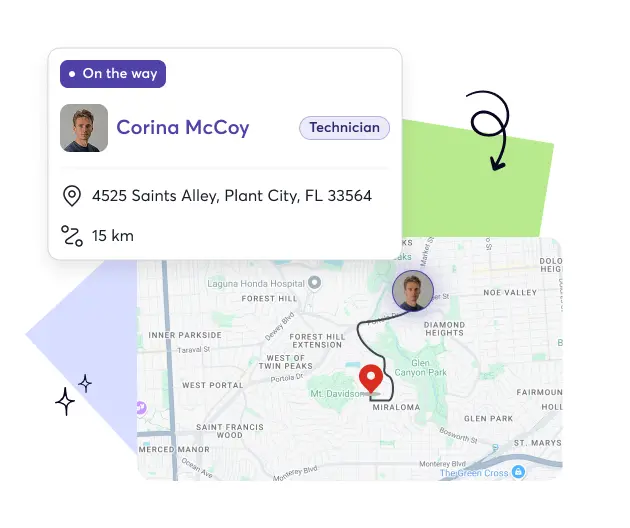


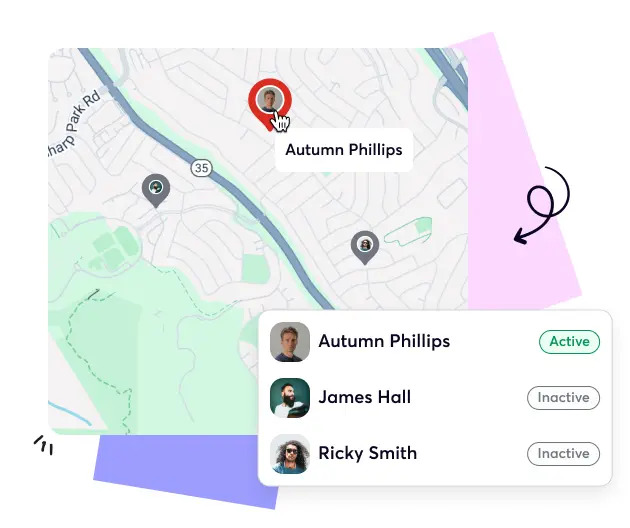
See How Easy Expense Tracking Feels With Upvoit


What Faster Expense Approvals Deliver to Teams

Gain Clarity
View every transaction, category, and approval in one transparent dashboard.

Boost Productivity
Reduce administrative work so managers focus on growth, not receipts.

Transparency
Keep spending open, visible, and traceable across departments in real time.

Save Time
Automate expense tracking and approval workflows to complete reimbursements faster daily.
Integrations That Keep Workflows Perfectly Aligned
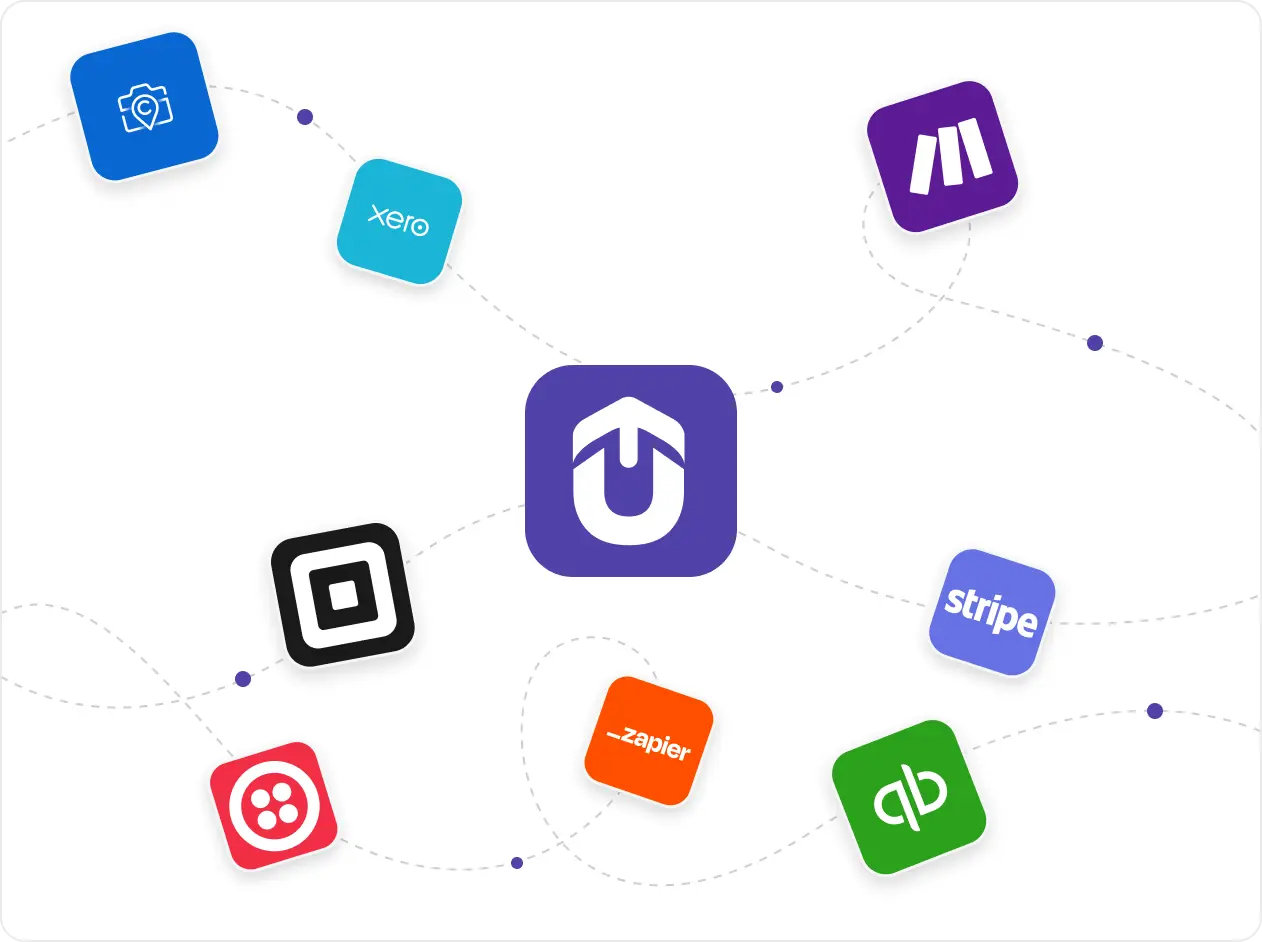
Upvoit connects your expense data with multiple tools like QuickBooks, Zapier, Xero, Stripe and much more. Every approved expense flows directly into financial systems, reducing manual work, improving accuracy, and giving managers a clear picture of company spending at all times.
“We were growing fast, but managing schedules and payments was getting out of hand. Clients would change timings, staff would forget updates, and it was hard to keep track. Upvoit made everything so much easier. The team checks in from their phones, I see updates live, and invoices go out the same day. It’s honestly the first system that didn’t make my job harder.”
“Keeping track of electricians on multiple sites used to drive me crazy. Someone was always late, someone forgot to log a job, and I’d spend half my day chasing updates. Upvoit changed that completely. Now I can see who’s on which site and what’s done in real time. We finish jobs faster and I don’t have to make constant follow-up calls anymore.”
“We had zero clarity on which projects were profitable. Crew hours, fuel, invoices, all scattered. Upvoit finally connected everything. Now I can see live project costs and team efficiency from my phone. We’ve saved over 12 hours a week and caught errors we didn’t even know existed.”
“We were running on whiteboards, WhatsApp, and memory. If one call got missed, the entire day fell apart. With Upvoit, dispatch takes two minutes. Invoices go out the same day. I used to work 14-hour days, now I’m home by dinner.”
Our biggest pain was communication. Jobs delayed, invoices sitting unsent, and customers asking for updates we didn’t have. Upvoit gave us visibility on every technician, every ticket, every dollar owed. We’re collecting payments 3x faster and finally stopped chasing paper.”
We were juggling five different tools just to track daily jobs. Things slipped through the cracks, missed call-backs, unpaid invoices, you name it. After switching to Upvoit, our entire team runs from one screen. Techs update jobs from the field, customers get notified instantly, and we haven’t missed a single appointment in months.”
“Before Upvoit, every week was a mess. Jobs overlapped, crews got mixed up, and I was stuck calling people all day just to see where everyone was. Now everything updates on its own. I can check my phone and know exactly who’s doing what. We don’t double-book anymore and the stress is just gone.”
Frequently asked questions
Answers to common questions teams ask before choosing expense management software.
-
What is expense management software?
Expense management software helps businesses track, approve, and analyze spending in one place. It replaces manual reporting with automated workflows, keeping expenses organized, accurate, and policy-compliant for every employee and department.
-
How does expense management software work?
The software lets employees submit expenses digitally, managers approve them instantly, and finance teams review reports in real time. Every transaction syncs automatically with accounting tools to ensure seamless reimbursement and financial accuracy.
-
Who can use expense management software?
Any business that manages field or office expenses can benefit, from small service companies to large enterprises. It’s especially useful for teams handling frequent travel, materials, or client-related costs.
-
Can I track receipts and upload them easily?
Yes. Employees can upload receipts using their phone cameras or email. Upvoit automatically attaches them to the correct expense entry for faster verification and reporting.
-
Does the software automate expense approvals?
Yes. Upvoit’s expense tracking system routes submissions to the right managers for quick review and approval. Notifications ensure no claim is missed or delayed.
-
Can it integrate with accounting and payroll software?
Absolutely. Upvoit connects seamlessly with accounting tools like QuickBooks, Xero, Stripe and many more. Approved expenses flow directly into your payroll or bookkeeping system for easy reconciliation.
-
How does the software help with compliance and audits?
Every transaction is recorded with date, category, and supporting documentation. This creates a clear audit trail that simplifies compliance and financial reviews.
-
Can I categorize and analyze company spending?
Yes. Managers can categorize expenses by department, project, or type. Visual dashboards provide spending insights that help identify trends and control costs.
-
Is Upvoit’s expense management software mobile-friendly?
Yes. Field and remote employees can submit expenses, attach receipts, and track reimbursements directly from their mobile devices.
-
Can it handle multiple currencies or international expenses?
Yes. Upvoit supports multiple currencies and exchange rate conversions, making it easy for global teams to manage expenses accurately.
-
How does automated expense tracking software save time?
Automation removes the need for manual data entry and follow-ups. Receipts, approvals, and reports happen faster, allowing finance teams to focus on strategic work.

