
Client Portal That Keeps Your Customers Connected and Informed
Give your clients real-time visibility and communication access through Upvoit’s easy-to-use client portal.
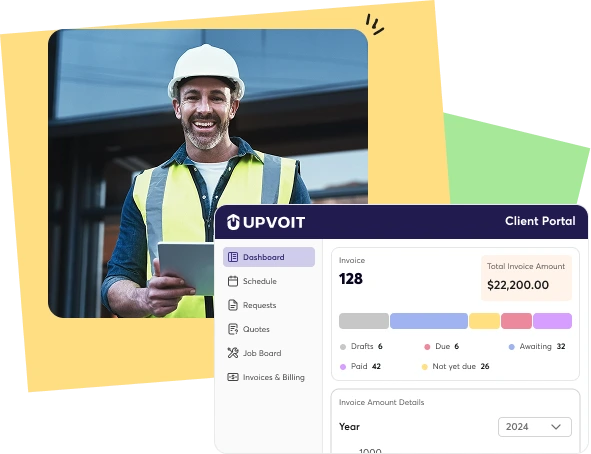
The Daily Struggle of Managing Client Expectations Without Real-Time Visibility
Constant Follow-Ups
Without a client portal, managers waste hours answering repetitive client queries through calls and emails.
Delayed Approvals
Clients can’t review quotes or invoices instantly, slowing down workflows and delaying payments unnecessarily.
Lost Documents
In the absence of secure sharing, invoices and quotes easily get misplaced or duplicated.
Payment Delays
When clients can’t access invoices easily, payments slow down, hurting cash flow and operations.
Smart Client Access System Made for All Industries

Plumbing

Cleaning

HVAC

Lawn Care

Pool Maintenance

Handyman

Tree Care

Roofing

Landscape

Electrical
Keep Clients Connected, Informed, and Engaged Effortlessly
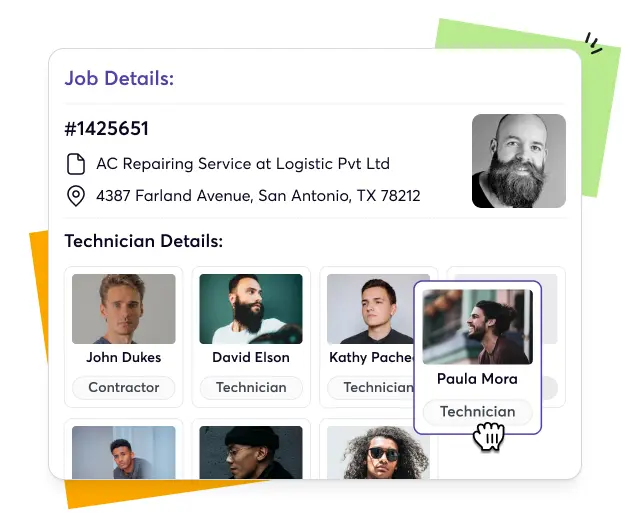
Give clients instant access to invoices, updates, and documents through a simple, branded client portal.

-


Drag & Drop Scheduling

-
Conflict Alerts
-
Recurring Jobs
-
Smart Assignments
-
Real-Time Updates
-
Calendar & Map View


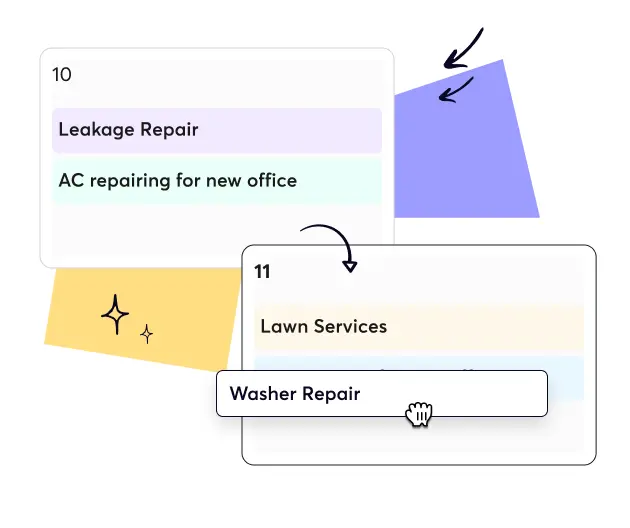


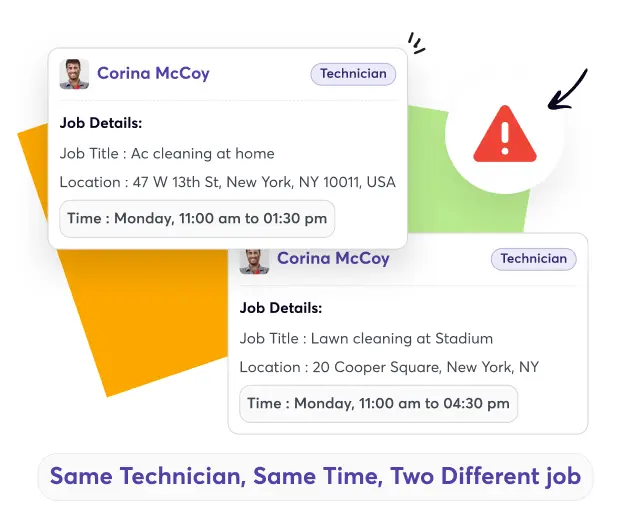


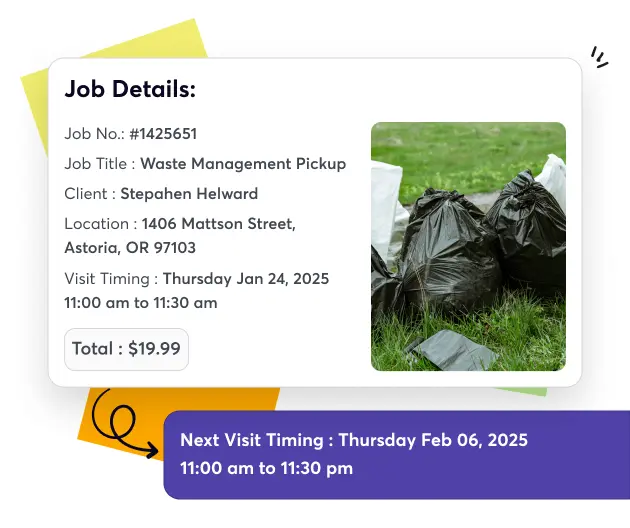






See How Easy Client Access Feels


What Stronger Customer Relationships Look Like Instantly

Build Trust
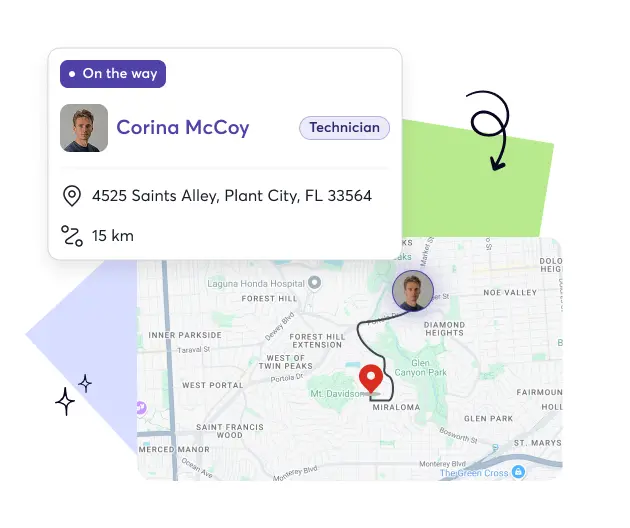
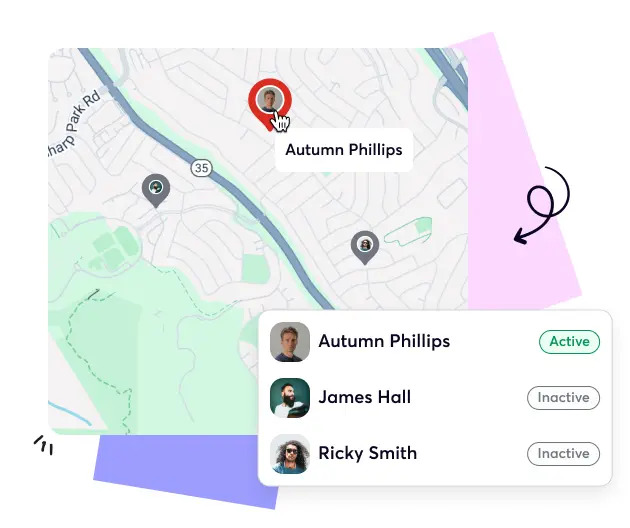
Give clients visibility into every job, payment, and update in real time.

Increase Transparency
Show customers exactly what’s happening through clear, centralized client communication.

Simplify Approvals
Let clients review, approve, and pay invoices instantly from their portal.

Enhance Experience
Offer a smooth, self-service experience that builds confidence in your business.
Smart Integrations Built for Connected Service Operations
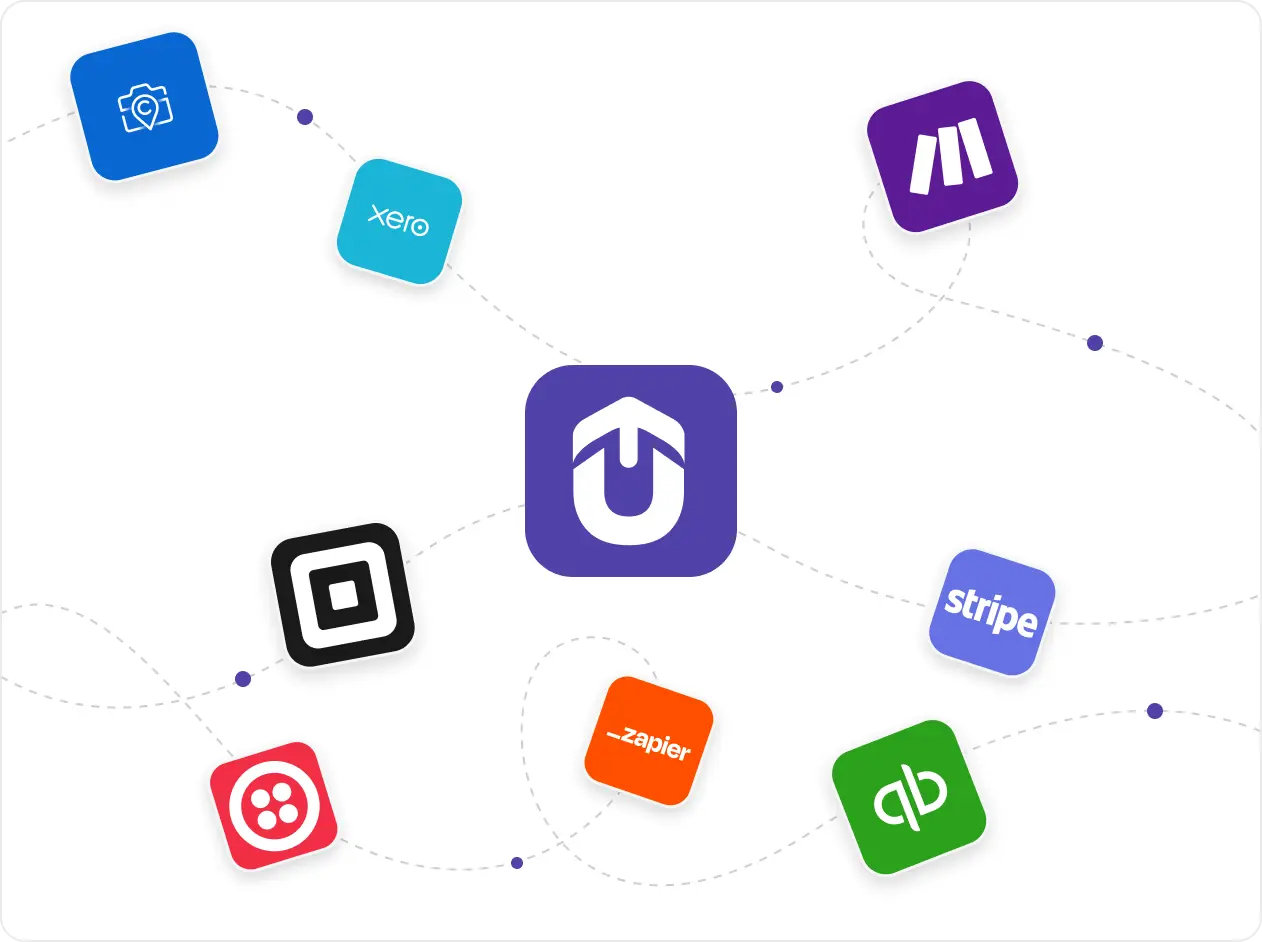
Upvoit connects your entire business with tools like QuickBooks, Xero, Stripe, and Zapier. Every invoice, job, and record syncs automatically. It reduces manual work, improves accuracy, and keeps financial and operational data completely aligned.
“I had 16 techs and three of them called in on the same morning when service calls were piling up faster than we could handle. I was still trying to reassign jobs by texting people one at a time when the whole thing just fell apart. That was the day I decided we needed something better. With Upvoit I can move a job to whoever’s closest in about thirty seconds, and I actually know who’s available before I promise a customer a time. We haven’t had a morning like that since.”
“I almost quit doing residential and just went commercial only, that’s how bad scheduling got once we crossed 15 cleaners. Clients want their regular Tuesday slot no matter what, and my crews wanted fair routes that didn’t have them driving across the city twice a day. I couldn’t hold both of those in my head anymore. Upvoit’s the reason I didn’t burn out last spring. Everyone sees their route the night before, clients get a heads up automatically, and I stopped getting the 6 AM panic calls asking where the cleaner is.”
“We were growing fast, but managing schedules and payments was getting out of hand. Clients would change timings, staff would forget updates, and it was hard to keep track. Upvoit made everything so much easier. The team checks in from their phones, I see updates live, and invoices go out the same day. It’s honestly the first system that didn’t make my job harder.”
“Keeping track of electricians on multiple sites used to drive me crazy. Someone was always late, someone forgot to log a job, and I’d spend half my day chasing updates. Upvoit changed that completely. Now I can see who’s on which site and what’s done in real time. We finish jobs faster and I don’t have to make constant follow-up calls anymore.”
“We had zero clarity on which projects were profitable. Crew hours, fuel, invoices, all scattered. Upvoit finally connected everything. Now I can see live project costs and team efficiency from my phone. We’ve saved over 12 hours a week and caught errors we didn’t even know existed.”
“We were running on whiteboards, WhatsApp, and memory. If one call got missed, the entire day fell apart. With Upvoit, dispatch takes two minutes. Invoices go out the same day. I used to work 14-hour days, now I’m home by dinner.”
Our biggest pain was communication. Jobs delayed, invoices sitting unsent, and customers asking for updates we didn’t have. Upvoit gave us visibility on every technician, every ticket, every dollar owed. We’re collecting payments 3x faster and finally stopped chasing paper.”
We were juggling five different tools just to track daily jobs. Things slipped through the cracks, missed call-backs, unpaid invoices, you name it. After switching to Upvoit, our entire team runs from one screen. Techs update jobs from the field, customers get notified instantly, and we haven’t missed a single appointment in months.”
“Before Upvoit, every week was a mess. Jobs overlapped, crews got mixed up, and I was stuck calling people all day just to see where everyone was. Now everything updates on its own. I can check my phone and know exactly who’s doing what. We don’t double-book anymore and the stress is just gone.”
Frequently asked questions
Common questions service teams ask about customer access and communication tools
-
What is a client portal feature?
A client portal feature gives customers secure access to view job updates, invoices, and communication in one place. It helps field service businesses offer transparency, reduce calls, and improve client satisfaction.
-
How does Upvoit’s client portal work?
Upvoit’s client portal connects directly with jobs, invoices, and payments. Clients can log in anytime to check progress, download documents, and communicate directly with your team.
-
Can clients view invoices and make payments through the portal?
Yes. Clients can easily view, download, and pay invoices directly from their customer access portal using secure payment options.
-
Will clients receive real-time job updates?
Absolutely. Every job update, status change, or technician assignment appears instantly in the client’s dashboard, keeping them informed at all times.
-
Can I share estimates or quotes with clients in Upvoit?
Yes. You can send estimates or quotes directly through the portal. Clients can review, approve, or ask questions without switching platforms.
-
Does the client portal support multiple users per company?
Yes. If a client organization has multiple contacts, each person can have their own secure login and access permissions.
-
Can I customize what clients see in the portal?
Yes. You can control which modules or data are visible to clients, such as job history, invoices, or documents.
-
Does the client portal integrate with other Upvoit features?
Yes. It’s connected with scheduling, invoicing, payments, and communication tools, ensuring every update is visible to your team and clients simultaneously.
-
Can clients access the portal on mobile devices?
Of course. The Upvoit client portal works seamlessly on mobile, allowing clients to stay informed anywhere, anytime.
-
How does the client portal help reduce support calls?
By giving clients direct visibility into progress, invoices, and documents, they no longer need to call for updates, saving your team time and reducing back-and-forth communication.

